
The Meeting That Almost Cost Aarav His Biggest Client : Silent Toggle
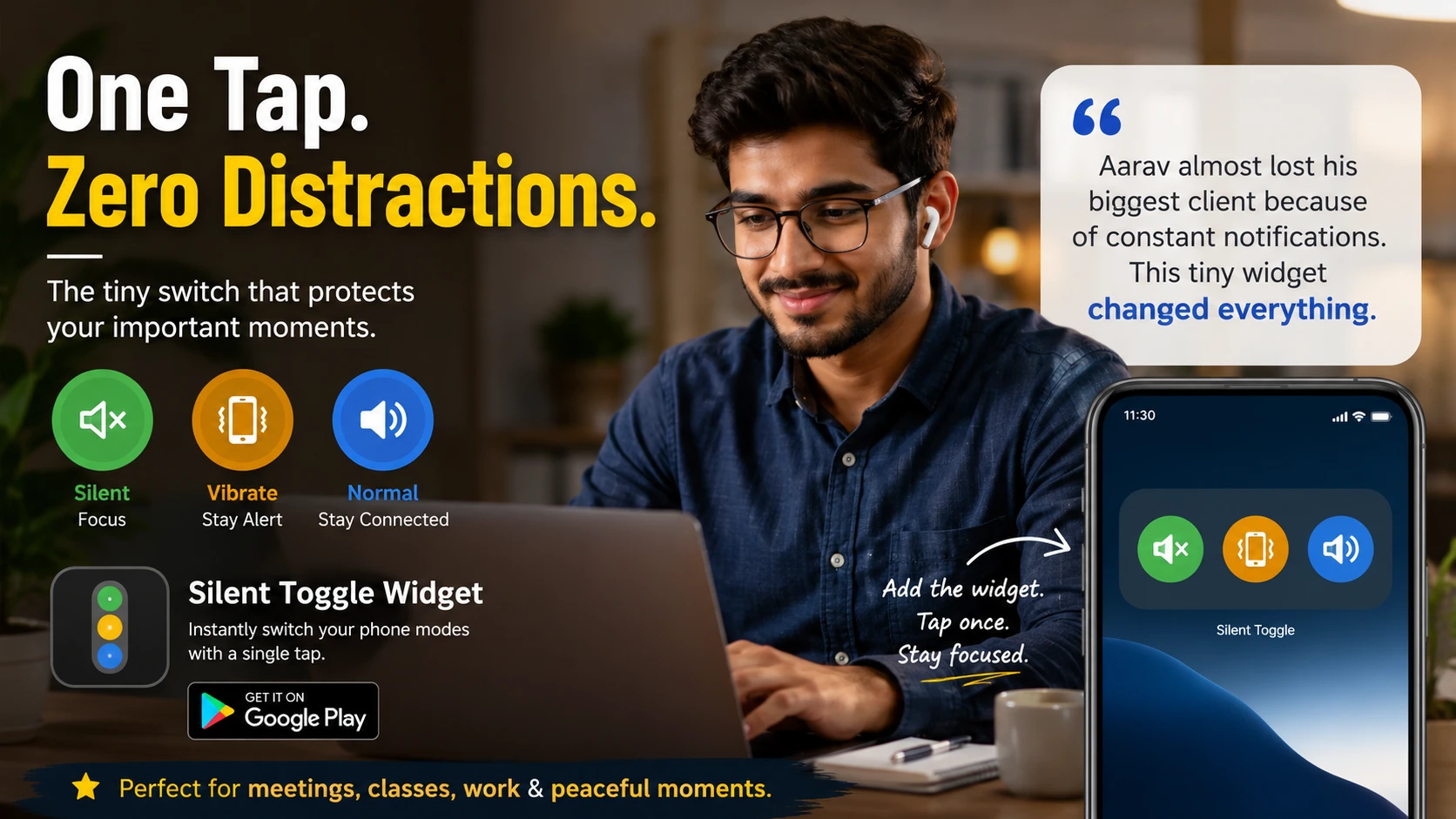
Aarav worked as a freelance designer in Bangalore.
Most of his work came from international clients, so his phone was always buzzing — WhatsApp messages, Telegram notifications, client calls, payment alerts, endless sounds every few minutes.
One Tuesday morning, he finally got the opportunity he had been waiting for.
A startup founder from London scheduled a video meeting to discuss a long-term contract worth several months of work. Aarav prepared everything carefully: laptop charged, portfolio ready, internet backup connected, and headphones plugged in.
The meeting started perfectly.
Until his phone exploded with notifications.
A cricket group on WhatsApp suddenly became active.
Message after message.
Notification sounds one after another.
The client paused mid-sentence.
Aarav quickly grabbed his phone and tried lowering the volume. But Android settings took longer than expected. He accidentally muted media instead of notifications, then opened the wrong menu again.
The moment felt awkward.
After the call ended, he realized something simple:
He didn’t need complicated sound settings.
He just needed one quick button to switch between silent, vibrate, and normal mode instantly.
That evening, while searching for a faster solution, he found Silent Toggle Widget on Google Play.
The app solved exactly what he needed.
Instead of navigating through Android menus every time, Aarav added the widget directly to his home screen. Now, before every meeting, he could switch modes with a single tap.
No delays.
No distractions.
No embarrassing interruptions.
A few days later, the same client called again.
This time, Aarav tapped the widget once before the meeting started. His phone stayed perfectly silent throughout the entire presentation.
By the end of the week, he received the contract.
Since then, the widget became part of his daily routine:
- Silent mode during meetings
- Vibrate mode during work hours
- Normal mode after office hours
It sounds small, but tiny interruptions can ruin important moments.
That’s why lightweight utility apps still matter — especially the ones that do one job perfectly.
If you’re tired of opening Android settings every time you want to silence your phone, try Silent Toggle Widget and switch your phone mode instantly with one tap.



The information provided in this article is for general informational and educational purposes only. It is not intended as legal, financial, medical, or professional advice. Readers should not rely solely on the content of this article and are encouraged to seek professional advice tailored to their specific circumstances. We disclaim any liability for any loss or damage arising directly or indirectly from the use of, or reliance on, the information presented.